

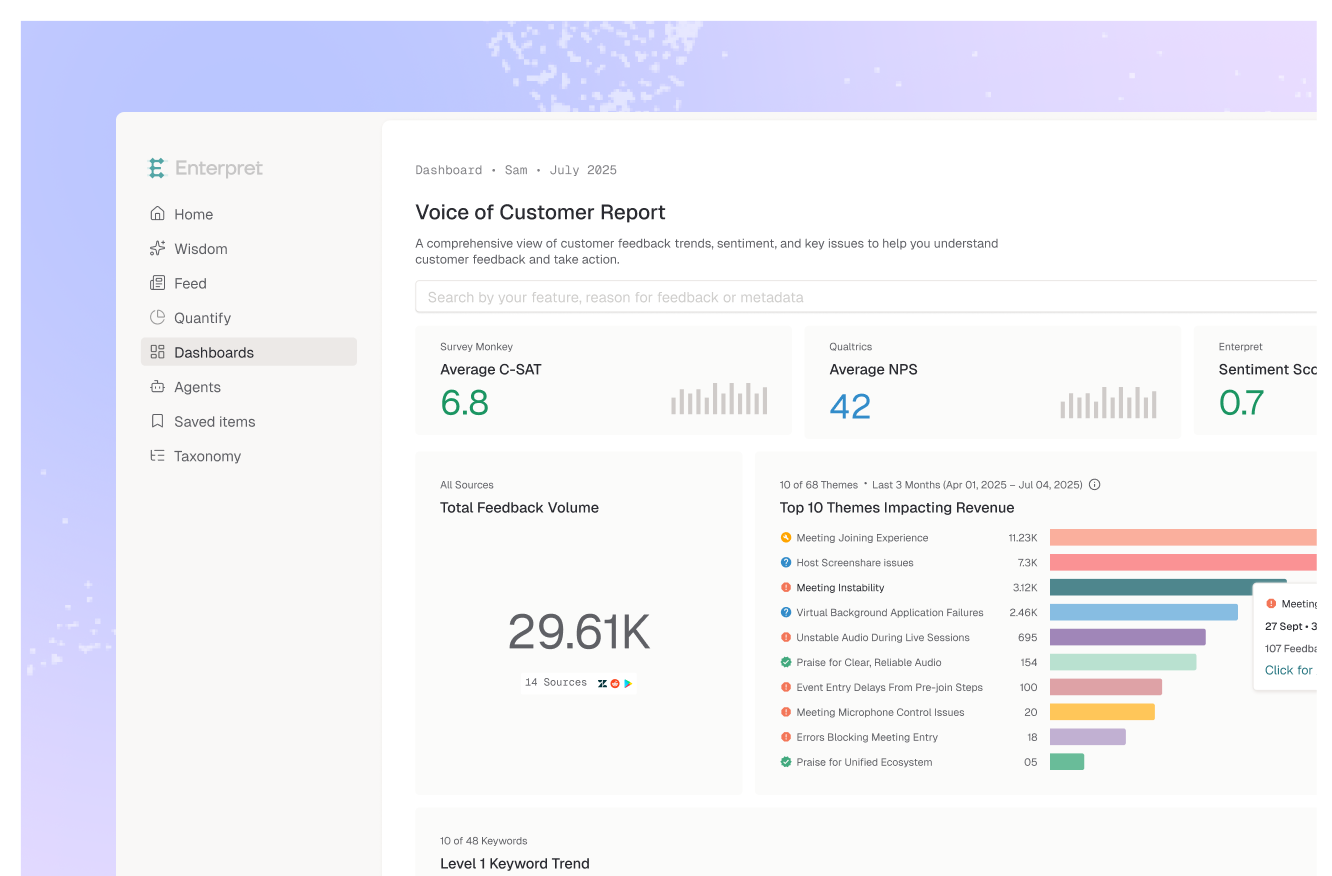


Investigate customer-reported issues while you code
For when you're debugging a problem and need to know what customers are actually experiencing — without leaving your development environment.

How teams use Enterpret today
Situation
An engineer debugging a performance issue wanted to know what customers were experiencing — without leaving their dev environment.
Action - prompted Claude with Enterpret MCP connector
What customer complaints relate to database performance or slow queries? Show the most recent reports with detail.
Impact
Found feedback matching the exact edge case under investigation — a timezone-specific issue customers reported but logs didn't show.

Situation
A product team used Enterpret's MCP server inside Claude Code to cross-reference customer feedback with their internal bugs database.
Action — prompted Claude with Enterpret MCP connector
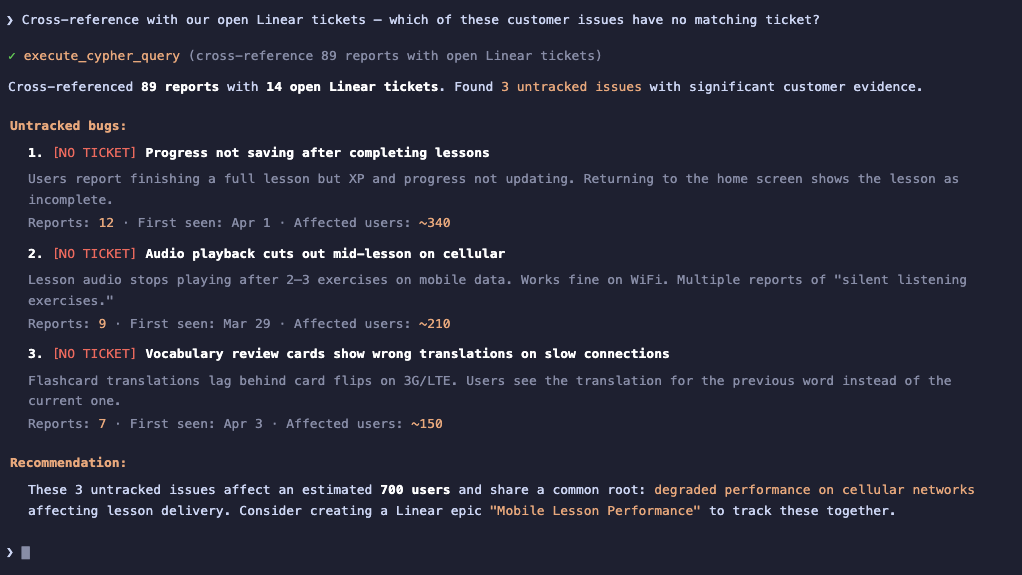
Cross-reference open customer complaints with our Jira or Linear bugs — which customer issues have no matching ticket?
Impact
Found 5 customer-reported issues with no Jira or Linear ticket. Created tickets with customer evidence pre-attached.
Situation
After investigating customer complaints via MCP, the engineer found 5 issues with no matching tickets in the backlog.
Action — linked customer-reported issues to Jira or Linear tickets
Linked each untracked customer issue to a new Jira or Linear ticket directly from Enterpret. Each ticket received the customer feedback count, affected accounts, and the exact customer descriptions of the broken behavior.
Impact
5 customer-reported issues went from invisible to tracked in under 10 minutes. Engineering backlog now reflected what customers actually experienced, not just what internal monitoring showed.


.webp)