







Voice of Customer Tools: A Product Team's Guide

Most teams already have a voice of customer tool. A survey platform. A support ticket system. Maybe a review aggregator pulling in G2 data once a quarter. And yet, the most common question from product and CX leaders remains the same: "Why can't we figure out what our customers actually want?"
The tools aren't the problem. The framework is.
"Voice of customer tools" cover a wide range — from a basic NPS form to an AI platform processing millions of feedback signals a month. Using them well means understanding what each category is built for, where it stops, and what it takes to connect them into something that actually drives decisions.
This guide breaks it down.
What a VoC tool actually needs to do
Collecting feedback is the easy part. Every company does it. The hard part is turning that feedback into something you can act on.
A useful voice of customer tool needs to do three things: collect signals from wherever customers are actually talking, analyze what those signals mean at scale without requiring a manual review of thousands of responses, and surface the insights that matter — what's growing, what's critical, what's driving churn.
Most VoC tools handle one of these well. Fewer connect all three. That gap is where most teams get stuck.
The 5 types of voice of customer tools — and what each is actually for
The VoC tool landscape is crowded. More importantly, the tools in it are doing very different jobs. Understanding the categories is the first step to building a stack that works.
- Survey tools (SurveyMonkey, Typeform, Qualtrics) are built to collect structured feedback at a specific moment. They're useful for NPS, CSAT, post-onboarding check-ins, and any situation where you want to ask a targeted question to a targeted audience. The limitation is real: surveys only capture what you think to ask, and they require customers to proactively respond. At scale, response rates drop and selection bias creeps in.
- Social and review listening tools (Sprout Social, Brandwatch, Trustpilot) track what customers say publicly — on review sites, social platforms, and community forums. For brand monitoring and competitive intelligence, this is strong. For product decision-making, where you need depth and specificity over reach, it falls short.
- Customer support analytics tools analyze what's happening inside your help desk. Platforms like Zendesk and Intercom generate a flood of feedback through tickets and chat transcripts, but they're primarily built for managing support workflows. The signal is rich; the tooling to extract product insights from it is usually limited.
- Customer success platforms (Gainsight, Totango) pull together account health signals — usage data, renewal risk, engagement scores — to help CS teams prioritize their time. They answer "which accounts need attention?" well. The question they can't answer is "what should we build next?"
- Feedback intelligence platforms are a different category entirely. Tools here are built to ingest feedback from multiple sources, analyze it with AI, and surface actionable product and CX insights. Chattermill, Enterpret, and a handful of others sit in this bucket. It's also the category that's moved the fastest in the last two years, as AI-powered classification has gotten dramatically better and cheaper.
A note on in-app tools: voice of customer apps like Pendo, Appcues, and Sprig capture feedback directly inside the product experience, triggered by behavior rather than sent on a schedule. As a category, this kind of voice of the customer tool sits closest to the survey bucket and is worth adding if in-product feedback is a clear gap in your coverage.
Most teams start with surveys and support analytics and wonder why they still can't see the full picture. The reason is almost always the same: they're trying to do intelligence work with collection tools.
What to look for when evaluating voice of the customer tools
The category matters less than the specific questions you're trying to answer. Before evaluating anything, get precise about what you actually need to know.
Are you trying to understand why customers churn? That requires analysis across multiple feedback channels, not just a single survey. Trying to close the loop with support customers? A purpose-built support platform with automated workflows may be sufficient. Connecting customer feedback to your product roadmap on an ongoing basis? That's a different requirement — one that calls for a tool that doesn't just collect feedback but learns from it.
Four criteria that separate tools that inform decisions from tools that generate reports:
Does it learn your product taxonomy, or do you have to maintain it manually? Generic AI categorization produces generic insights. A tool worth building around should understand the difference between "slow loading" in your checkout flow and "slow loading" in your onboarding — and adapt as your product changes. Manual tagging doesn't scale; a tool that learns your business language does.
How does it handle ambiguity? Customer feedback is messy. Sentiment scoring (positive/neutral/negative) tells you almost nothing actionable. Look for tools that identify specific themes, track how they evolve over time, and distinguish what's growing from what's been a chronic background issue.
Can it answer a specific business question in under 10 minutes? The best voice of customer tools shorten the distance between a question and a reliable answer. If the output is a dashboard that requires hours of interpretation, it's a reporting tool, not an intelligence tool.
Who in your organization can actually use it? A platform built for an enterprise CX team and a tool built for a 5-person product team are not interchangeable. Implementation complexity matters here as much as feature depth.
Best Voice of Customer Tools
1. Enterpret
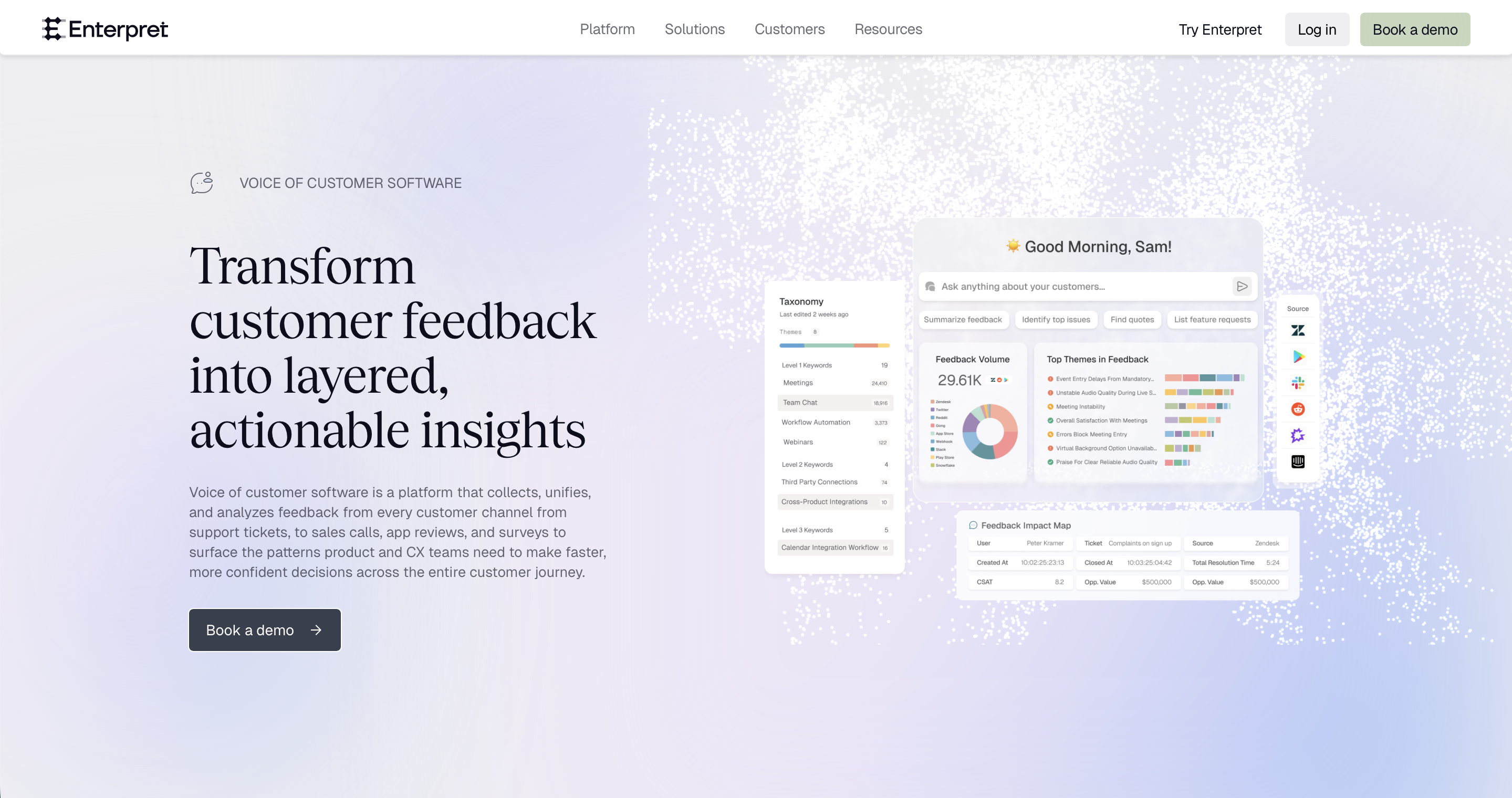
Key Features
- Custom taxonomy model: Every Enterpret customer receives a custom built model for their organization in as quickly as two days. All customer feedback is ingested, translated, and organized into relevant themes.
- Natural Language Processing Utilize text analytics and sentiment analysis to automatically categorize and understand customer comments and open-ended feedback.
- Actionable insights: Cut through the noise and easily identify top issues and find the most critical feedback to address and actionable insights.
- Anomalies: Catch new/emerging issues or gain a quick understanding of how releases and launches are performing.
- Dashboards: Automatically generate real-time insights through customizable dashboards and reports, enabling you to monitor trends, identify areas of concern, and make informed decisions and operate strategically.
- Integrations and API: Integrate with other customer feedback systems, CRM platforms, and business tools to streamline data flow and create a comprehensive view of customer interactions. See our full list of integrations here.
Pros:
- Unified Repository of Customer Feedback: Enterpret effectively aggregates customer feedback from various sources (support channels, surveys, reviews, communities, social media, call recordings, etc), breaking data silos and making it easier for users to get a comprehensive view of the voice of customer. [1, 2, 3]
- AI-driven Feedback Categorization: The tool uses AI to automatically categorize and structure feedback, providing valuable insights without manual intervention. [1, 2]
- Visualization and Trend Identification: Enterpret offers visualization capabilities that allow users to easily identify trends and anomalies in customer feedback. This helps in quickly spotting areas of concern or positive feedback. [1, 2]
- Responsive and Supportive Team: Many reviewers have praised the Enterpret team for their responsiveness, willingness to take feedback, constantly improving the product, and offering exceptional customer service. [1, 2]
Cons:
- Learning Curve: All analytics tools are challenging to learn and because Enterpret’s technology is new it means there’s a learning curve. But, fear not, the Enterpret customer success team is partner through out the process so you can get ramped up quickly and start using insights to support your team. . [1, 2]
- Noise: While Enterpret's AI is generally accurate, there are instances where it doesn't align with internal taxonomies or catches spam, leading to noise. The good news is Enterpret’s machine learning technology gets better when you flag discrepancies so it learns to filter out noise over time. [1, 2]
- Response Management: Some users request the ability to respond to customers directly from the platform.
2. Qualtrics Customer Experience
Pros:
- Easy to Build and Customize Surveys: Qualtrics offers a user-friendly interface, making it easy to build and customize surveys. [1, 2]
- Powerful Analytics: Features like Text iQ for sentiment analysis and Dashboards for real-time insights, were frequently highlighted by the reviewers. [1, 2, 3]
- Effective Customer Relationship Management: Qualtrics aids in understanding and responding to customer needs, by enabling them to create tickets. [1]
Cons:
- Training and Complexity: Some users find certain features deep and complex, requiring extensive training to fully understand and utilize them. [1]
- Continuous Updates: The frequent updates can be confusing and disruptive for some users.
- Pricing: Some users find the cost for a customer experience license to be high and desire more features within a single license. [1]
3. Zonka Feedback
Pros:
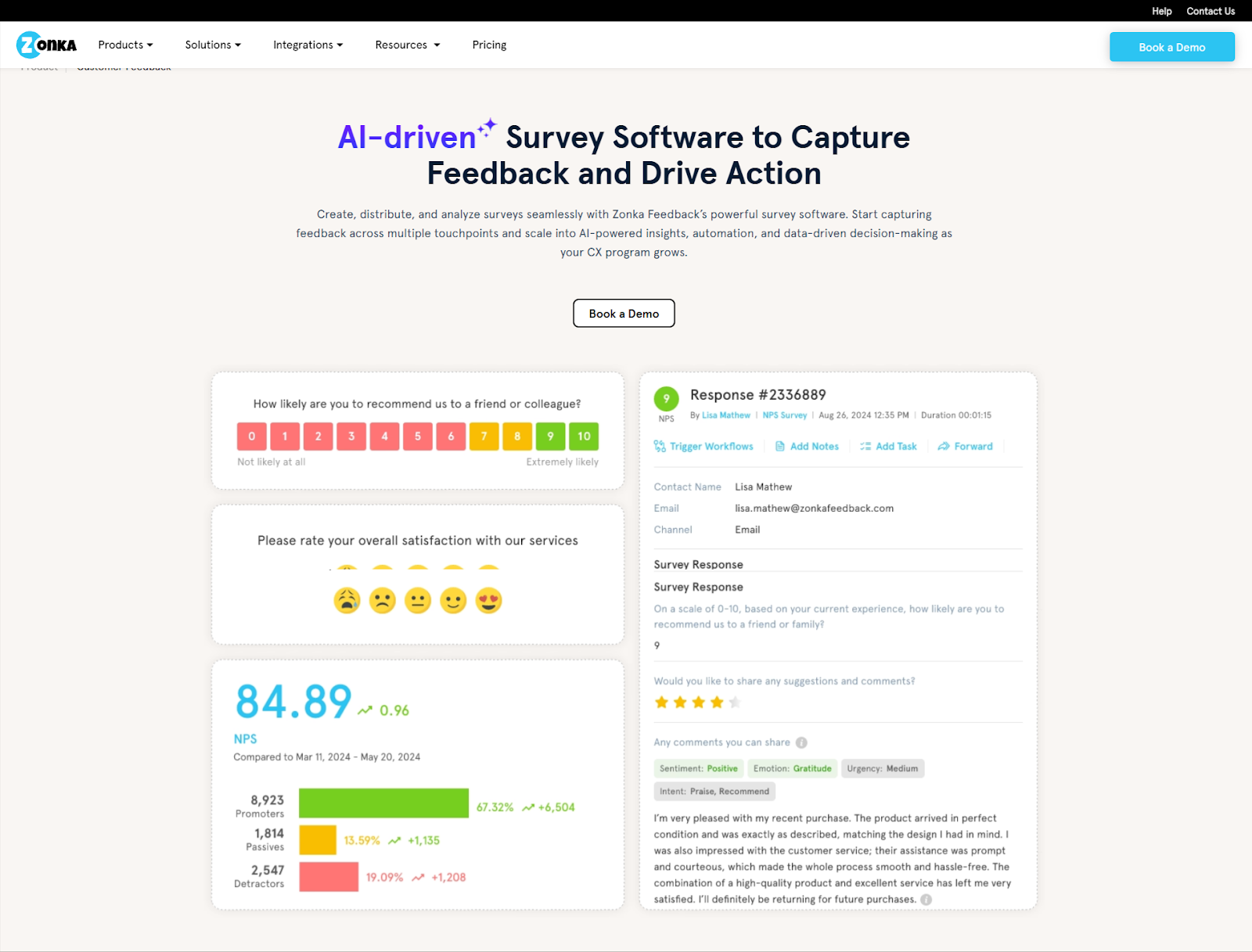
- Omnichannel Feedback Collection: Zonka Feedback enables businesses to collect Voice of Customer feedback across email, SMS, WhatsApp, web widgets, in-app SDK, and offline kiosks, helping capture insights at every touchpoint.
- Advanced AI Feedback Intelligence: Features like AI-driven sentiment analysis, theme detection, emotion and intent analysis, and impact scoring provide deeper insights from open-text feedback and unify data from surveys, reviews, and support interactions.
- Closed-Loop Feedback Management: With a collaborative response inbox, automated workflows, case management, and real-time alerts, teams can quickly act on detractors, route issues, and close the feedback loop effectively.
Cons:
- Pricing Transparency: Pricing is available on request, which may require discussions with sales to understand the best-fit plan.
- Learning Curve for Advanced Features: While survey creation is intuitive, leveraging advanced AI analytics and workflow automation may require initial setup and familiarization.
4. Chattermill
Pros:
- User-friendly Interface: The platform is praised for its simple and intuitive UI, making it easy for users to comprehend information and navigate. [1, 2, 3]
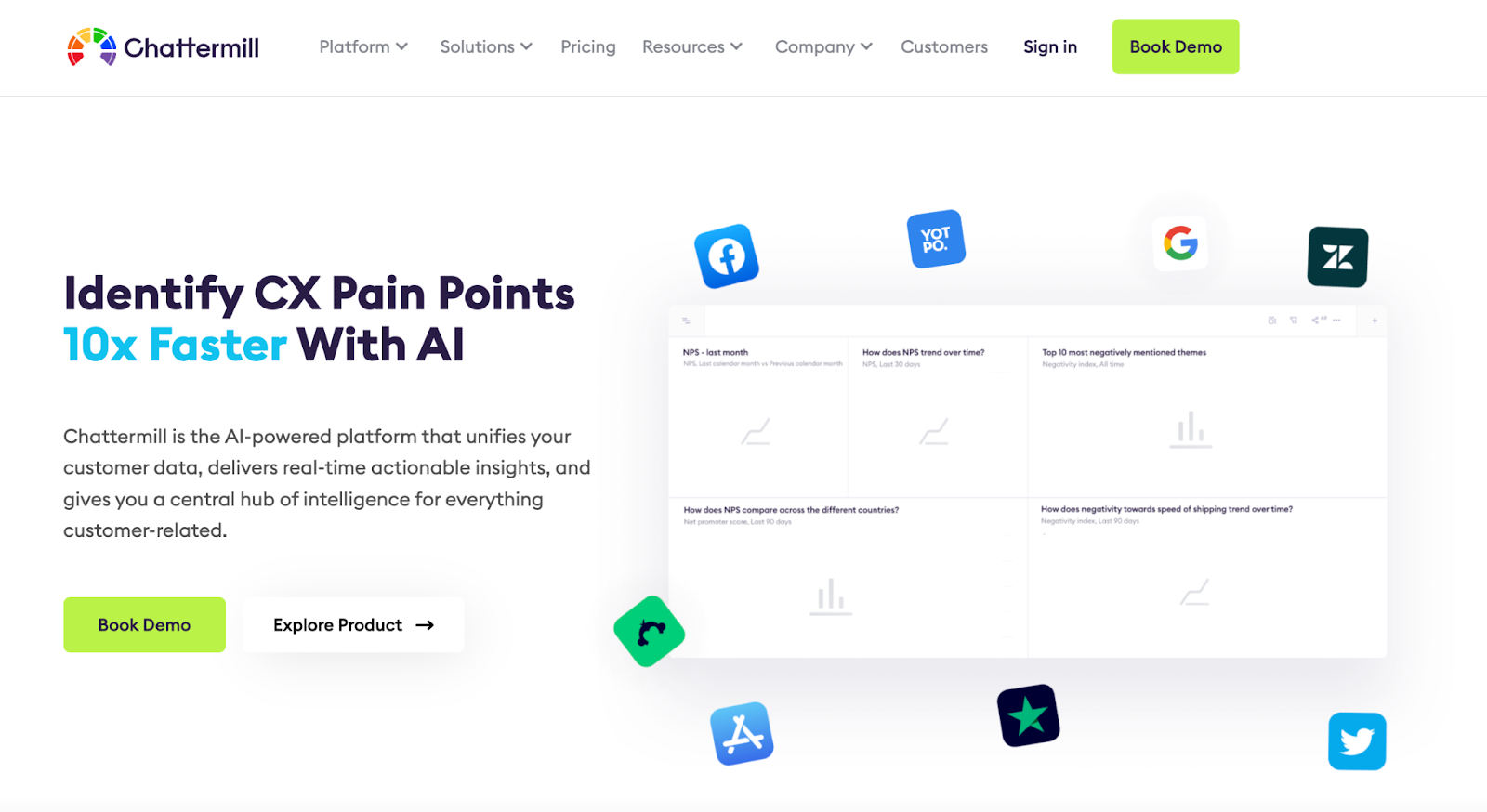
- Real-time Insights: Many reviewers appreciate the ability to provide real-time monitoring of customer feedback, and structured insights generated using AI and NLP. [1, 2, 3]
- Sentiment Analysis: Sentiment assessment and chat analyzer tool are highlighted by several reviewers. This feature is crucial for understanding customer sentiment, analyzing open text, and improving services based on the feedback. [1, 2, 3]
Cons:
- Integration & Usability Issues: Some users have reported facing integration challenges with their applications. Additionally, there are mentions of occasional usability problems, such as slow loading times, glitches, and difficulties in performing certain actions. [1, 2]
- Challenges with Customization: Users have expressed difficulties when trying to change the structure of topics or categories. There's also feedback about wanting more training or guidance to recognize specific contexts or to leverage all of Chattermill's features. [1, 2, 3]
- Setup Time & Dependency on Tech Team: Some users mentioned that it can take a few weeks for the AI to find the right themes or to be fully operational. A few reviewers have mentioned a dependency on the tech team as a limitation, suggesting that some tasks or functionalities might require technical expertise. [1, 2]
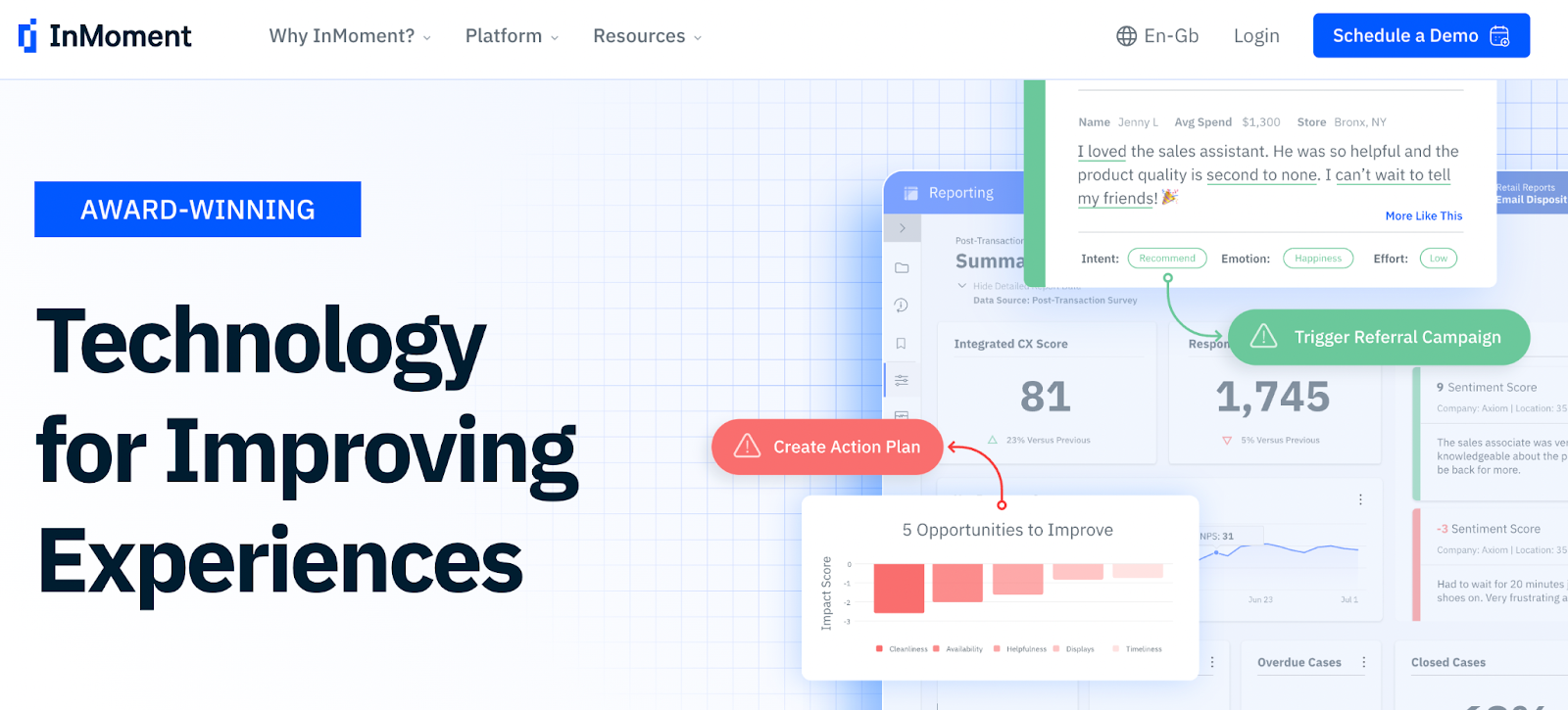
5. InMoment Experience Improvement Platform
Pros:
- Ease of Use: The platform is straightforward to use and provides intuitive dashboards [1, 2, 3]
- Comprehensive Feedback Collection: It captures customer feedback from multiple sources like surveys, email, social media and call centers. [1]
- Actionable Insights: The platform provides actionable data that can drive company results and improve customer experiences. [1, 2]
- The dashboards are intuitive and offer valuable insights into customer sentiment and areas of improvement. [1, 2, 3]
Cons:
- Cost & Additional Charges: The platform can be expensive, especially for smaller companies, and additional features may come at extra costs. [1, 2]
- Technical Challenges: Some users find the platform slow, and unreliable at times. Additionally, customization can require coding and technical expertise. [1, 2]
- Data & Integration Issues: Some users have expressed concerns related to natural language processing, where the platform might misinterpret feedback. Additionally, there are mentions of challenges with full integration of all tools within the platform, data compliance, and privacy policies. [1, 2, 3]
The analysis for above VOC Tools was done using customer reviews shared on G2.
However, there are not all voice of customer tools are listed on G2 or have enough reviews. Here are a few more solutions people used for feedback management:
6. Medallia
Pros:
- Medallia excels in comprehensive customer experience management, offering a wide array of tools for in-depth feedback analysis.
- The platform's strong integration capabilities enhance its functionality and data management.
- Real-time analytics and reporting features enable prompt and informed decision-making.
Cons:
- The complexity and breadth of features can be overwhelming, requiring a significant learning curve.
- Medallia's cost may be prohibitive for smaller businesses or those with limited budgets.
- Some users have noted limitations in AI capabilities and a need for more advanced, intuitive text analysis.
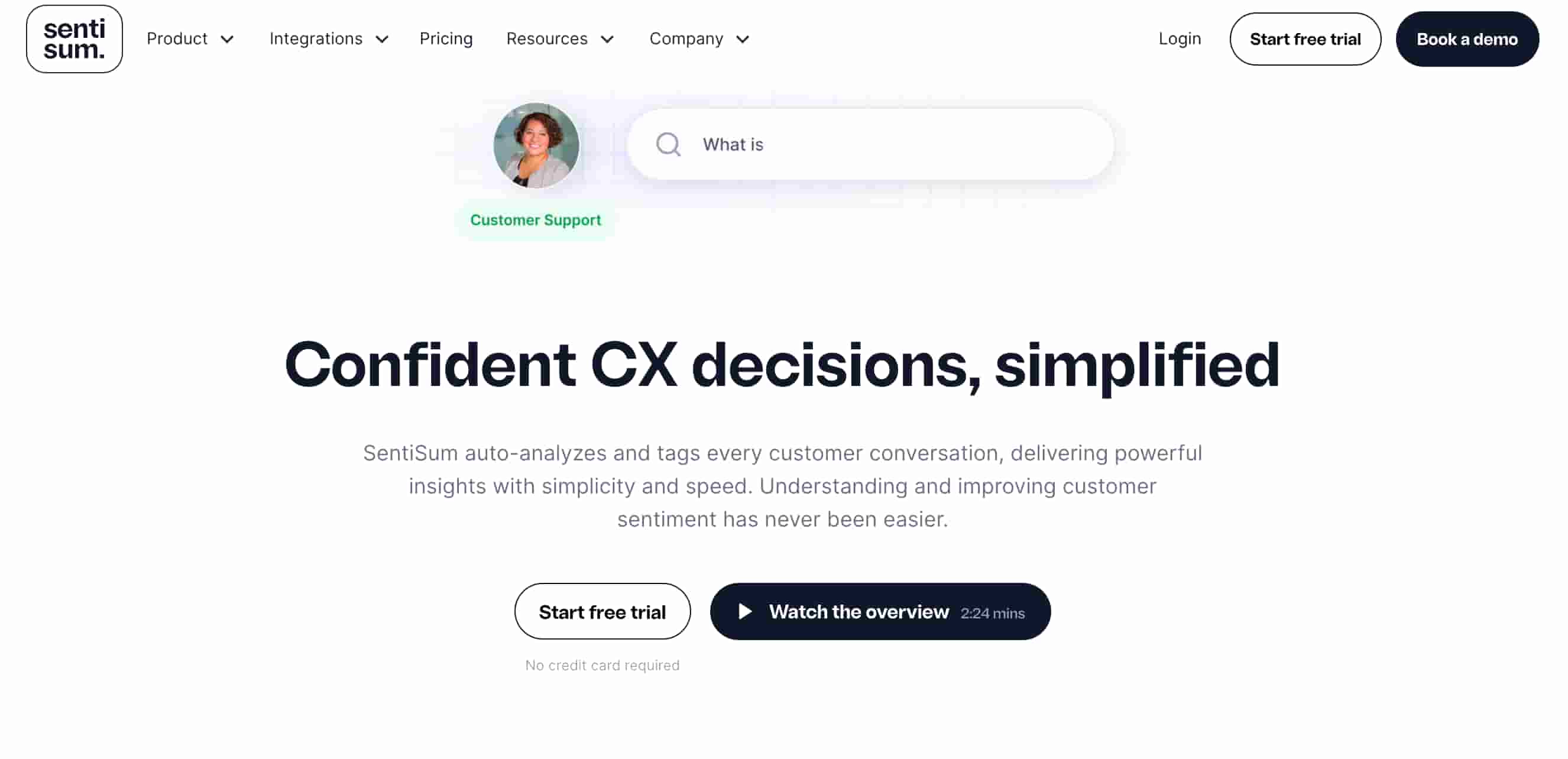
7. SentiSum
Pros:
- SentiSum excels in automated sentiment analysis and ticket tagging, streamlining the handling of customer feedback across various channels.
- The tool offers comprehensive real-time analytics, allowing for immediate insights into customer sentiments and trends, beneficial for proactive customer support.
- Its user-friendly interface and scalability make it suitable for businesses of all sizes, facilitating efficient customer support interaction analysis.
Cons:
- The AI's accuracy is not always perfect, necessitating manual intervention for precise data analysis.
- SentiSum is primarily tailored for customer support teams, which may limit its application scope in broader business contexts.
- The platform's focus on support conversation analysis might restrict its utility for companies seeking a broader range of VoC analytics.
What teams actually achieve when voice of the customer tools are working
The results from teams that get this right cluster around three things: speed, scale, and better decisions.
Descript's user research team cut research synthesis time by 83%. Before implementing a feedback intelligence layer, organizing data for a single research sprint took a full day. A day that couldn't be spent doing anything else.
Canva processes ten times more feedback with the same team, with zero manual tagging. At Canva's scale, that's the difference between understanding a representative sample and understanding the whole customer base.
Apollo.io's product and support teams launched a structured VoC program and dropped their human inquiry rate by over 40%. Not by deflecting customers or reducing ticket volume through friction — by identifying and fixing the underlying issues the feedback was pointing to.
These aren't outliers. They're what happens when teams stop treating VoC tools as a reporting function and start treating them as a decision-making system.
How leading teams combine voice of customer tools into a working stack
No single voice of the customer tool covers everything. The teams getting the most value have built layered stacks with clear jobs assigned to each one.
A typical high-functioning setup includes a survey tool for structured, intentional asks (NPS, CSAT, specific research questions); a support platform that doubles as a passive feedback channel; and a feedback intelligence layer that aggregates everything, removes duplicates, identifies themes, and surfaces what's actually worth acting on.
The intelligence layer is the piece most teams are missing. Without it, each tool generates its own signals with no way to connect them. Support says customers are frustrated about onboarding. NPS scores say satisfaction is fine. Research says users love the core feature. These aren't contradictions — they're incomplete pictures. A unified analysis layer reconciles them.
There's also a distribution question that's easy to overlook: who in your organization sees these insights? A VoC tool that only CX sees is a CX tool. A VoC tool that informs product, engineering, and leadership is a customer intelligence system. The difference isn't just philosophical. It changes the ROI calculation significantly.
The other piece that determines whether a stack actually works is integration. Voice of the customer tools integration is what turns a collection of separate platforms into a system: surveys flowing into the same view as support tickets, sales call transcripts feeding the same analysis as community posts, insights surfacing inside Slack and Jira where decisions actually get made. Without integration, every tool generates its own version of the truth, and your team spends more time reconciling reports than acting on them. The right integrations are the difference between owning data and owning answers.
When you've outgrown your current tools
The signal is usually quiet. Teams stop trusting the data. Product teams run their own ad hoc surveys because existing VoC results don't feel representative. CX leaders struggle to translate support volume into language the product team takes seriously. The quarterly report arrives and nobody changes the roadmap.
If the insights from your current voice of customer tools aren't making it into product decisions or retention strategy, the tools aren't doing their job. That's not a data quality problem. It's a systems problem.
The gap between a basic survey platform and a full feedback intelligence system has closed considerably. AI-powered analysis that once required a custom data science build is now available off the shelf, at price points that work for teams well outside enterprise budgets.
Building a voice of customer tool stack that works for your team
The right voice of customer tools depend on what questions you're trying to answer — not which tools are popular in your category. Start with the decision you're trying to make, trace it back to the feedback sources that could inform it, and build from there.
If you're still mapping the landscape, our best voice of customer software guide covers what to evaluate at each stage of VoC maturity. If you're ready to see what AI-powered feedback intelligence looks like in practice, explore how Enterpret approaches voice of customer — connecting feedback from every channel, analyzing it in business context, and surfacing what product and CX teams need to act without the manual work.


