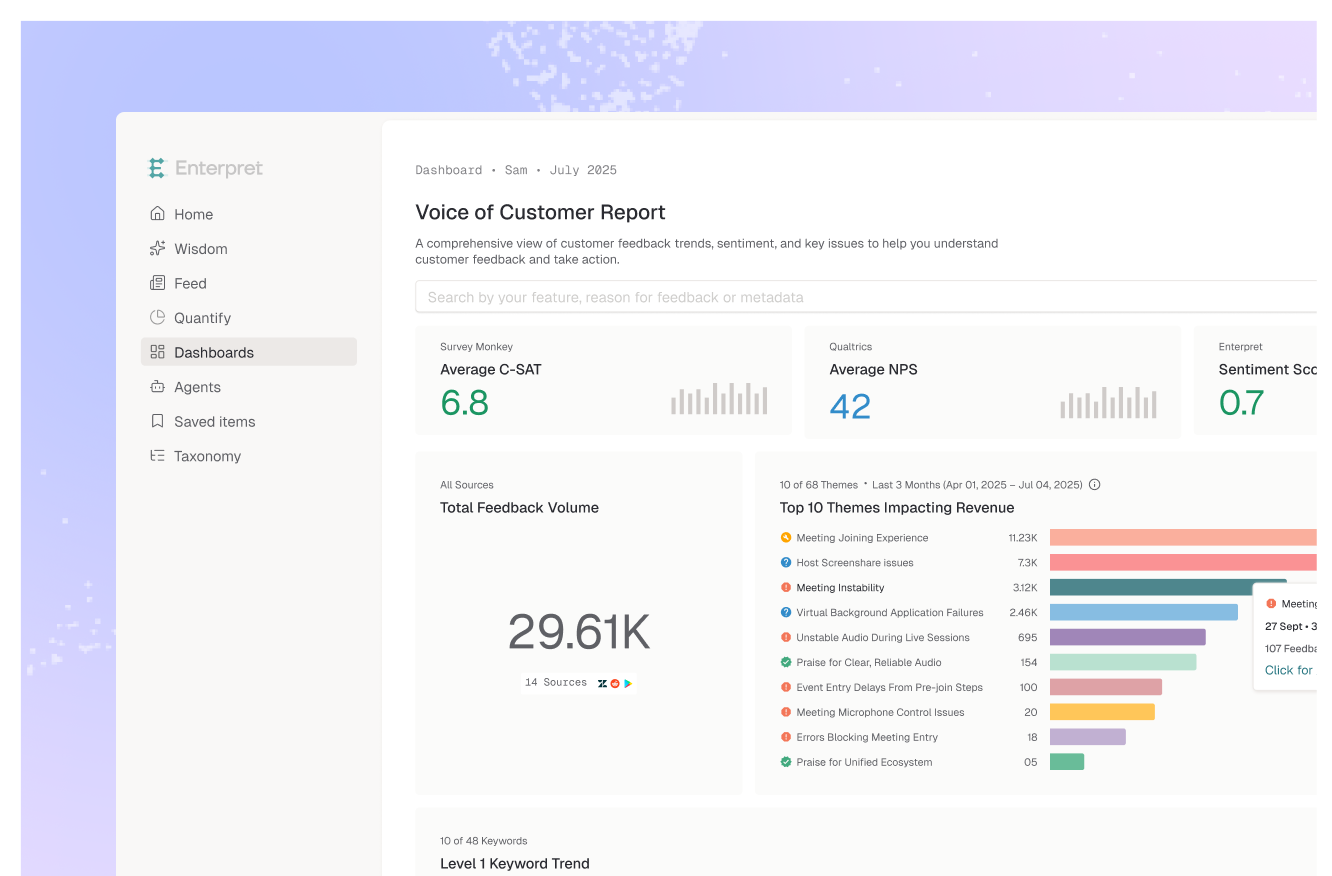
This month Enterpret Agent starts remembering your preferences and past work, Escalation Shield can kick off Agent workflows instead of just sending an alert, Automations gets a new home with about 30 templates, the Agent comes to your phone, five new connectors and a GitHub Issues feedback source arrive, Opus 5.5 and Sonnet 5.5 join the model lineup, credits make usage easier to manage, and your knowledge base now keeps itself current. Here's what's new.
Enterpret Agent Remembers
- Agent Memory: Say "Remember to include supporting customer quotes whenever you summarize feedback" and the Agent applies it in future sessions. Your saved guidance lives under Settings → Agent → Memory, and each chat shows which memories it loaded. Your latest instructions always win.
- Automations learn from their runs: Each automation builds its own guide from completed runs, keeping the methods that worked and the lessons learned. It's kept separate from its creator's personal preferences.
- Session History: The Agent can draw on your previous sessions and automation runs. Ask where you left off, paste a session link to build on it, or have an automation report only what it hasn't already flagged.
Escalation Shield Triggers Agent Workflows
When Escalation Shield detects an escalation, Enterpret Agent can now investigate and act, not just send an alert.
- Investigate beyond the ticket: The Agent checks whether the problem is a one-off or a pattern, whether the user has raised it before, and whether the account is sensitive.
- Take the next step: Notify Slack, act in Zendesk or Intercom, or file a Linear or Jira ticket.
- See every run: Open any run to inspect its full transcript, tool calls, and outputs.
- Start from a template: Pick one from the Escalation Shield collection to get going.
A New Home for Automations
- Build from a sentence: Describe what you want automated and click Build it, or choose Start from scratch for manual setup.
- About 30 templates: Feedback reports, escalation investigations, and actions in your connected tools. Search the catalog or filter by team.
- Review before you create: Check the prompt, connectors, delivery channels, and default cadence up front.
- Find what's running: Recent active automations appear under Running here, and the full list lives under All automations.
Enterpret Agent on Mobile
- The Agent, on smaller screens: Navigation and session management, chat, and full-screen artifact, file, and citation views all work on your phone.
- Everything else points back: Other areas of the product show a "better on a larger screen" message, with a way back to the Agent or a link to copy the page.
New Connectors and Integrations
Enterpret Agent connectors
- Grafana: Look at service health and performance metrics alongside customer feedback.
- Microsoft Teams: Send report summaries, insights, and links to your Teams channels, posted as your connected Microsoft user.
- ClickHouse: Pair usage signals with feedback. For example, find which of your highest-usage accounts have the most open performance complaints.
- Clay: Connect what Clay knows about your accounts with what those customers are actually saying.
- Lark: Bring Lark's messaging and docs into Agent workflows.
- Slack file uploads: The Agent can now post files it creates, like CSV exports and reports, to a Slack channel or DM. If you connected Slack before Sep 17, disconnect and reconnect once under Settings → Agent → Connectors to turn this on.
Feedback sources
- GitHub Issues: Bring in GitHub issues as feedback.
- SFTP supports CSV, TSV, and NDJSON: Send your existing exports without converting them to JSON, including inside ZIP archives. Extra columns come in as metadata, and large files resume where they left off.
The Latest Models
- Anthropic: Opus 5.5, which beats Opus 5 while spending fewer tokens, plus Sonnet 5.5 and Fable 5.1 (replacing Fable 5).
- OpenAI: GPT 6 Astra.
- Open models: GLM 5.3, replacing GLM 5.2.
Credits and Usage Management
- Top up anytime: Org owners can add credits, billed on the next invoice.
- Per-user limits: Admins can raise or lower credit limits for each user.
- See where usage goes: Track monthly spend and all-time usage by user and by type (sessions or automations), plus your full credit history and low-balance alerts.
Smarter Knowledge and Data Handling
- Your knowledge base stays current: Each week, Enterpret checks your help center, docs, and support articles, picks up new, changed, and retired pages, and updates what the Agent knows. No re-uploading.
- PII scrubbing on by default: Every customer now gets improved scrubbing for emails, phone numbers, locations, and URLs, including spoken or disguised forms, on newly processed feedback. Company and product names are kept. Name scrubbing is available on request.
- Better customer quotes: The share of relevant quotes rose from 75% to 88%, and bad quotes fell from 8.7% to 3.0%.
Bug Fixes & Product Polish
- A simpler navigation bar: Start a new session from anywhere with one click. Home, Automations, and Taxonomy stay pinned, the rest moved under More, and recent sessions sit in the sidebar.
- Your full chat history: Scroll and search every past conversation, not just the 50 most recent. Agent chats are sorted by latest activity.
- Longer prompts: One message can now hold up to 500 links, mentions, skills, and citations (up from 20), plus 10 files.
- Future dates in filters: Use future dates in Feed, Quantify, and Dashboards filters to set up for upcoming launches and events.
- SSO with SAML XML upload: If your identity provider doesn't offer a metadata URL (Google Workspace, for example), upload the SAML XML file instead.
- More Zendesk ticket metrics: Zendesk tickets now come in with support performance metrics.
- Tidier menus: The main menu is reorganized, and "Connect via MCP" no longer gets cut off in a narrow nav bar.
Thanks for building with us this month — questions and feedback are always welcome through your Enterpret contact. More coming in October.