



The 5 Ways DTC Brands Analyze Product Reviews, Support Tickets, and Post-Purchase Surveys Together

November 2, 2026

Your Discord server is where your most engaged users say what they actually think. Bug reports land in #help, feature ideas pile up in #suggestions, and the sharpest frustration shows up in threads nobody on the product team reads. Eventually someone asks the obvious question: can we just paste this into Claude or ChatGPT?
Yes, for a one-off read. The 4 steps to analyze Discord messages for product feedback with Claude or ChatGPT are export the messages through a bot you control, clean and chunk them by channel and week, prompt against a fixed codebook, and spot-check the output against the raw messages. What separates a useful one-off from a feedback program is consistency: a chat gives you a good read of last month, but not stable themes, counts over time, or a link to the accounts behind each message, which is where a platform like Enterpret takes over.
The first two are solvable with Claude or ChatGPT and an afternoon of work. The last three are the real differentiator, and they are exactly where chat-based analysis stops scaling.
Discord gives you three realistic options. The official Data Package, requested from your privacy settings, only contains messages you sent yourself, and Discord says it can take up to 30 days to arrive, so it does not help with community analysis. The second option is a bot you create in the Discord Developer Portal, added to your server with the Read Message History permission and the Message Content intent turned on. Message Content has been a privileged intent since 2022: without it, your bot can see that a message exists but receives an empty text field. The third option is an open-source exporter like DiscordChatExporter, which saves channels as HTML, TXT, CSV, or JSON. Run it with a bot token, not your user token. Its own README warns that automating user accounts is against Discord's Terms of Service and can get the account banned.
Read Discord's Developer Policy before you start. It prohibits mining or scraping data from Discord, limits API data use to what your stated functionality needs, and bars using message content obtained through the APIs to train machine learning or AI models without Discord's express permission. Asking an LLM to summarize an export is not the same as training a model on it, but check whether your Claude or ChatGPT plan uses inputs for training, and get a sign-off from your legal or security team on the workflow.
Export as JSON or CSV so you keep author, timestamp, channel, and reply references. Strip bot messages, join notices, emoji-only replies, and moderator announcements. Then split the file by channel and time window (one channel, one week is a good default) so each chunk fits comfortably in a single conversation with room left for the answer. Keep reply chains together inside a chunk. Cutting a thread in half is the fastest way to get a wrong theme. Replace usernames with stable pseudonyms such as User 1 and User 2 before anything leaves your machine.
The most common mistake is asking "what are the main themes?" fresh on every chunk. Each chunk invents its own labels, and you spend an hour merging "sync issues," "syncing bugs," and "data not updating." Instead, run one discovery pass on a representative sample, edit the resulting theme list by hand, and paste that fixed codebook into every later prompt. Ask the model to assign each message to one theme or "other," quote the message verbatim, and mark it as a bug, a feature request, a question, or praise. Our guide to Claude prompts for analyzing customer feedback has templates you can adapt. If you are still picking a model, see Claude vs ChatGPT for customer feedback analysis.
Pick 20 to 30 classified messages per chunk and read them yourself. Check that quotes are real and not paraphrased into something nobody said, that sarcasm was read correctly, and that "other" is not hiding a theme you missed. Then merge results across chunks in a spreadsheet. You now have a credible one-time read of your community.
The workflow above works. The trouble starts the second time you run it.
Themes drift between runs. Enterpret tested eight frontier models on the same 100 feedback records with identical prompts. The most consistent model still changed more than 60% of its theme set between runs, and raw counts shifted 7.5 to 9.8% on data that had not changed. A fixed codebook narrows the drift but does not remove it, and the codebook itself goes stale the moment your community starts talking about something you shipped last week. We break down the mechanics in the 5 reasons Claude gives you different feedback categories every time.
Context limits force you to sample. An active server can produce more text in a month than fits in one conversation. Drift also gets worse as the export grows: in Enterpret research, raw-model theme churn rose from 0.552 at 100 records to 0.726 at 5,000. Chunking solves the size problem by creating a new one: no single run sees the whole picture, so a complaint that is small in every channel but present in all of them never rises to the top. Splitting the work does not buy back consistency either: in Enterpret's study of run-to-run instability, a 10-worker multi-agent hierarchy was less stable than a single raw call, with theme churn of 0.841 versus 0.765.
There are no counts over time. A chat answer is a snapshot. To know whether the onboarding complaint doubled since the last release, you need the same categories applied the same way to every message, every week, stored somewhere you can query. That is a pipeline, not a prompt.
Nothing links to accounts. A Discord handle is not a customer record. Without joining messages to accounts and revenue, you cannot tell whether a theme comes from your largest customers or from people who will never pay. You also cannot see the same issue showing up in your support tickets and sales calls.
Privacy is on you. Community members posted in your server, not to an AI vendor. Every manual export is another copy of personal data sitting in a downloads folder. Our guide on how to redact PII from customer feedback covers what to strip before analysis.
This is the build-versus-buy question in miniature. You can build every piece: a bot, a scheduler, a codebook, a database, an identity join. Teams that try usually find the build is easy and the maintenance is the job. We walk through the full list in Can you build customer intelligence with an LLM? The model was never the bottleneck. Consistent, connected context is.
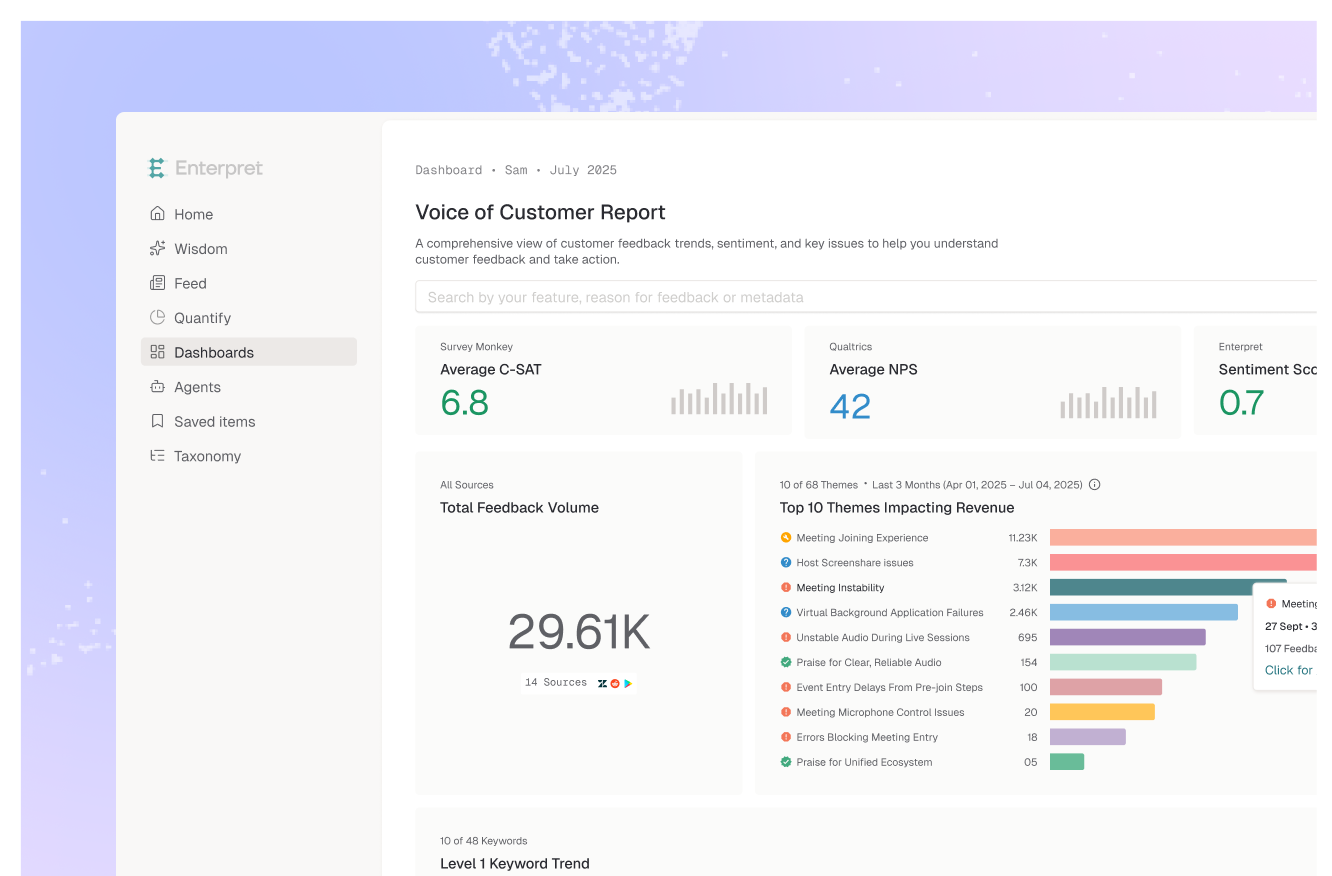
Enterpret is a customer intelligence platform that ingests Discord alongside the rest of its 50+ feedback sources, including support tickets, sales calls, surveys, app reviews, and Slack. Instead of a codebook you maintain by hand, Adaptive Taxonomy learns a multi-level set of themes from the feedback itself, lets your team edit it, and applies it consistently over time, so this month's count is comparable to last month's. The Customer Context Graph links feedback to accounts, segments, and revenue where that data exists, so a Discord complaint can sit next to the matching support tickets.
You do not have to give up the chat interface. The Enterpret MCP server lets your team query that same structured feedback from Claude or ChatGPT, so a question like "what are Discord users saying about the new editor, and is it growing?" returns an answer grounded in categorized, counted records instead of a pasted export. In Enterpret's benchmark of 30 voice-of-customer questions, an agent backed by a persistent customer context graph scored 0.961 versus 0.651 for Agentic RAG. For other ways to connect Discord to an assistant, see our roundup of MCP servers for Discord community feedback.
The honest caveat: Enterpret is not instant. Setup means connecting sources and giving the platform time to process history and build the taxonomy, and linking Discord members to customer accounts depends on the identity data you have. If you need one answer by Friday, a chat export is faster.
Best for: product and community teams that want Discord feedback tracked continuously, compared over time, and tied to the rest of their customer feedback.
The decision rule: if you will ask the question once, use a chat; if you will ask it every month, you need a system that gives the same answer to the same data.
Yes, for a one-off analysis. Export the messages with a bot you control, chunk them by channel and week, prompt against a fixed list of themes, and spot-check the results against the raw messages. It gets harder to trust when you rerun it, because themes and counts shift between runs.
Discord's Developer Policy prohibits mining or scraping Discord data, and DiscordChatExporter's own documentation warns that automating a user account breaks Discord's Terms of Service. The policy also bars using message content from the APIs to train AI models without Discord's permission. Exporting through a bot you own is the standard path, but confirm your specific workflow with your legal or security team before sending data to a third-party LLM.
LLMs generate categories probabilistically, so the same input can produce different labels on every run. Enterpret research across eight frontier models found the most consistent one still changed more than 60% of its theme set between identical runs on the same 100 records. A fixed codebook reduces the drift but does not remove it.
Usually less than an active server produces. A month of busy channels typically needs to be split into chunks, and models read very long inputs unevenly. One channel and one week per conversation is a practical default.
Enterpret ingests Discord as one of its 50+ feedback sources and applies Adaptive Taxonomy so themes stay consistent over time. The Customer Context Graph links feedback to accounts, segments, and revenue where that data exists. Teams can query the results from Claude or ChatGPT through the Enterpret MCP server.
If Discord is turning into a feedback channel you report on every month, see how Enterpret turns community feedback into product decisions.
Research cited
Lorem ipsum dolor sit amet, consectetur adipiscing elit. Suspendisse varius enim in eros elementum tristique. Duis cursus, mi quis viverra ornare, eros dolor interdum nulla, ut commodo diam libero vitae erat. Aenean faucibus nibh et justo cursus id rutrum lorem imperdiet. Nunc ut sem vitae risus tristique posuere.