



Context Engineering for Customer Feedback: 6 Rules for Giving AI Agents the Voice of the Customer

Feedback Analysis
November 12, 2026

To build an MCP server over your support tickets and customer feedback, start from the questions agents should answer, not from your ticketing API. The seven steps: list the questions, decide whether tools read raw tickets or a pre-classified store, design a small set of task-shaped tools, expose your taxonomy as resources, lock down auth and personal data, pick a transport and deploy, and evaluate the server with real agent questions. The most important decision is step 2: a server that only passes through search results can find tickets, but it cannot tell an agent how many customers have a problem.
The Model Context Protocol specification defines how servers expose tools, resources and prompts to clients such as Claude, Claude Code and Cursor over JSON-RPC 2.0. The protocol part is quick; official SDKs handle it. The work is in what your tools return.
The fastest MCP server wraps your support tool's API: a search tool that takes a query and returns matching tickets. Agents can use it to read examples, and for "find me tickets about SSO" it works.
It breaks on the questions that matter: how many customers hit this, is it growing, which accounts, what is it worth. A search tool returns the top matches, not the population. Enterpret research comparing Agentic RAG, a Deep Research Agent and a context graph agent notes that a top-k retrieval result cannot establish how common something is across the corpus, and that a fluent summary can cite relevant records while attaching the wrong count. An agent with only a search tool will do exactly that, confidently.
0.961 vs 0.651 Overall score for an agent grounded in a persistent customer context graph vs Agentic RAG on 30 real voice-of-customer questions, using the same base model. Source: Enterpret Research, "From Retrieval to Customer Context" (arXiv, 2026)
The paper calls these results exploratory and tested architectures, not products. The lesson for a server design is still direct: give the agent tools that read structured, pre-computed context, not only a search box.
Write down 15 to 20 real questions from PMs, support leads and engineers: "What are customers saying about the new editor?", "Which enterprise accounts reported export failures this month?", "Is login trouble up since Tuesday's release?", "Show me three representative tickets for this bug." Group them into finding examples, counting, trending and account lookups. Each group becomes a tool.
There are two designs. A passthrough server calls your support tool's API at query time. A context server reads from a store where every ticket has already been classified into themes and linked to accounts. Passthrough is faster to build and fine for finding examples. Counting and trending need the classified store, and the classification must be stable: in Enterpret's study of run-to-run instability across eight frontier models, raw models' counts on matched themes moved 7.5 to 9.8% between runs of the same question on the same data, while a taxonomy-grounded agent's counts did not move at all across 117 valid run pairs.
Each MCP tool has a name, a description and an input schema in JSON Schema. Agents choose tools from the description, so write descriptions for the model: what the tool answers, when to use it, and what it returns. Prefer a few tools shaped like questions over one tool per API endpoint.
| Tool | Answers | Returns |
|---|---|---|
| search_feedback | Find examples about a topic | Up to N records with ID, source, date, snippet, link |
| count_by_theme | How many records and accounts per theme | Theme, record count, distinct accounts, period |
| theme_trend | Is this growing | Weekly counts for a theme, with release markers |
| account_feedback | What has this account told us | Themes and recent records for one account |
| accounts_for_theme | Who is affected and what is it worth | Accounts, segment, ARR, counted once per account |
Return compact, structured results with record IDs and links, so the agent can cite its sources and fetch more only when needed. Cap result sizes; a tool that returns 500 full tickets will crowd out the agent's context.
MCP resources are read-only context the client can load. Publish your theme list with definitions and IDs as a resource, so the agent uses your names rather than inventing its own and can pass valid theme IDs to tools. Version it, and include examples for themes that are easy to confuse.
The specification defines an authorization framework for HTTP-based servers, while local servers running over standard input and output take credentials from the environment. Either way, scope access per user: an agent should only see feedback the person using it is allowed to see. Redact personal data such as emails and phone numbers in tool results unless a tool specifically needs them, and log every tool call. Our guide on what to check before putting customer feedback into an LLM covers the data side.
A local server over standard input and output is simplest for one engineer in Claude Code or Cursor. A remote server over HTTP lets a whole team, and hosted clients, connect with proper authorization. Start local to iterate on tool design, then move to remote once the tools are stable. Keep the server stateless per request, which the current specification expects.
Run the questions from step 1 through an agent and check three things: did it pick the right tool, are counts correct against a hand-checked sample, and does the same question return the same numbers twice. Keep the set as a regression test and rerun it when you change tool descriptions or the underlying data. For the eval side, see the seven steps to build evals for an LLM that classifies customer feedback.
Build your own if you only need to find examples in one support tool, or if feedback analysis is part of your own product. Use an existing server if you need counts, trends and accounts across several sources, because the hard part is the classified, account-linked store underneath, not the MCP layer. Compare options in the best MCP servers for customer feedback and support data and the best MCP servers for Zendesk tickets.
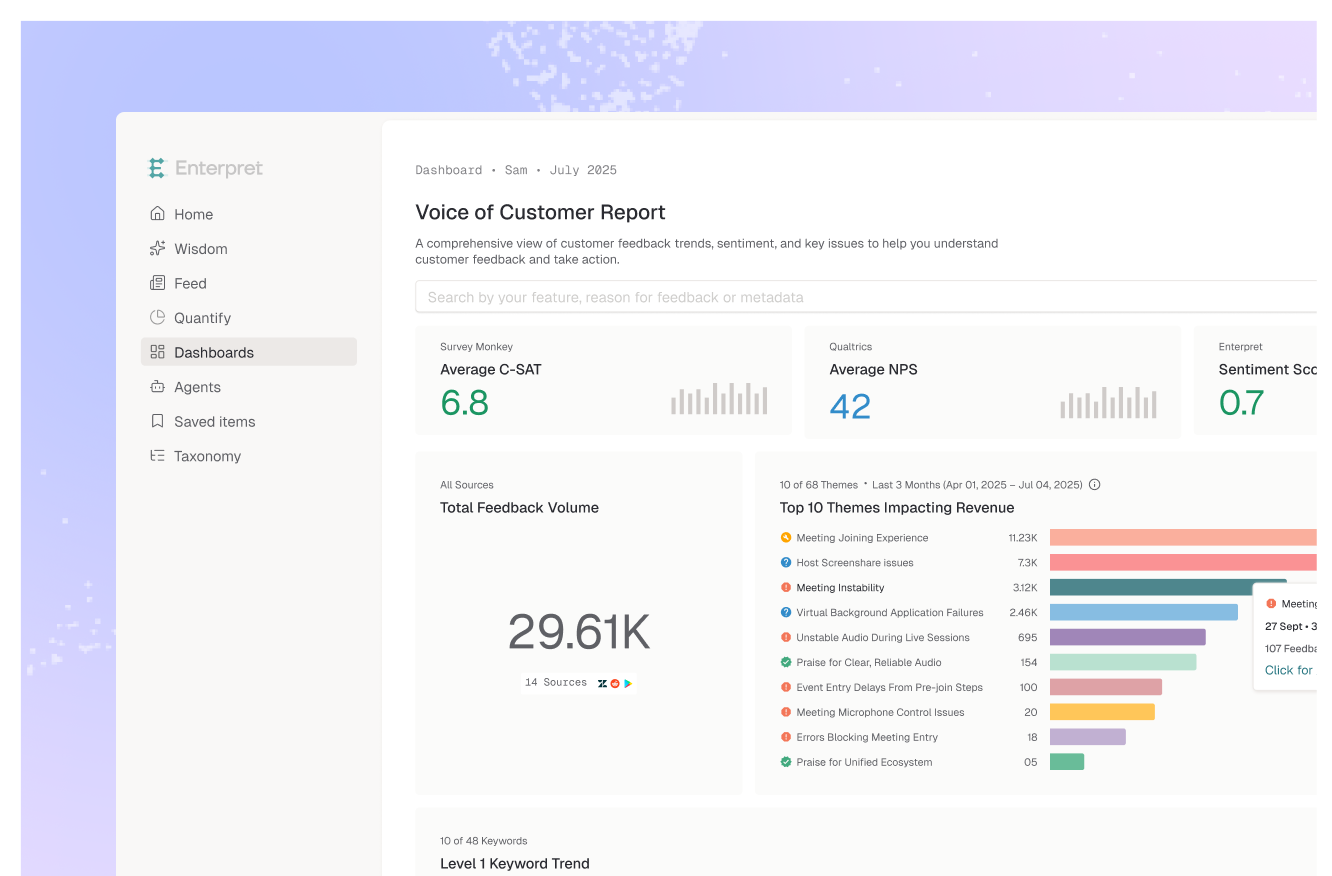
The Enterpret MCP server is the context-server design from step 2, already built. Feedback from 50+ channels is classified with Adaptive Taxonomy at ingestion and linked to accounts, revenue and owners in the Customer Context Graph, so agents in Claude, Claude Code, Cursor, Codex, Glean or Notion can count, trend and look up accounts rather than only search. If you still want your own server for custom tools, it can run alongside Enterpret's in the same client.
Picture a team that wrapped its support tool's search API as an MCP server in an afternoon. Engineers loved it for pulling example tickets. Then a PM asked the agent how many customers were affected by a sync bug; it answered "about 40," which was the number of search results it had read. The real figure was several hundred across three channels. The team added a classified store and a count tool. What worked: the passthrough server for examples. What did not: letting the agent answer counting questions from search results.
As coding and support agents take on more work, they will query customer context dozens of times a day. Servers that return stable counts and account context will become shared infrastructure; servers that only search will be fine for reading tickets and quietly wrong for everything else.
A small set shaped like questions: search for examples, count by theme, trend a theme over time, list feedback for an account, and list accounts affected by a theme. Return compact results with record IDs and links.
Yes, for finding example tickets. Not for counting or trending: search returns top matches, not the population, so an agent will report the number of results it read as the number of customers affected.
Start locally over standard input and output while you design tools, then move to a remote HTTP server with the specification's authorization framework when a team or hosted clients need access.
Run 15 to 20 real questions through an agent, check tool choice and counts against a hand-checked sample, and ask each question twice to confirm the numbers match. Rerun the set when tools or data change.
If you want the context layer without building it, see how Enterpret works. If you build your own, start with step 1 and write the questions down before writing any code.
Research cited
Lorem ipsum dolor sit amet, consectetur adipiscing elit. Suspendisse varius enim in eros elementum tristique. Duis cursus, mi quis viverra ornare, eros dolor interdum nulla, ut commodo diam libero vitae erat. Aenean faucibus nibh et justo cursus id rutrum lorem imperdiet. Nunc ut sem vitae risus tristique posuere.